Einleitung
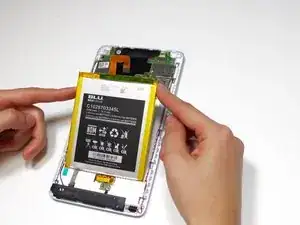
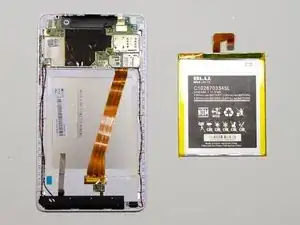
This guide provides steps on how to replace the battery of the Blu Studio 7.0 II.


-
-
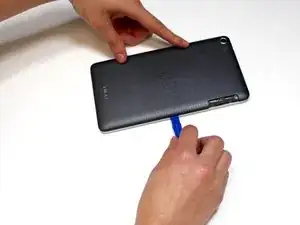
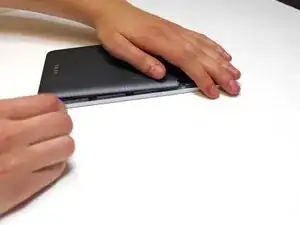
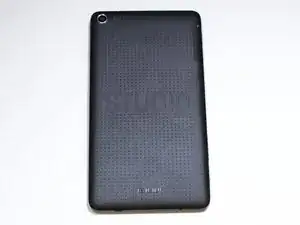
Locate the seam between the black and silver pieces of the phone.
-
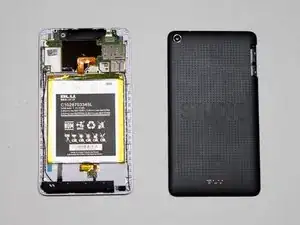
Insert a plastic opening tool into the seam and firmly pry the black back piece away from the silver front piece.
-
-
-
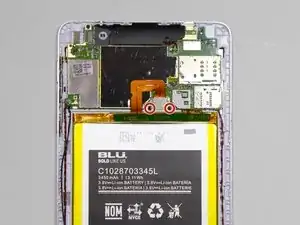
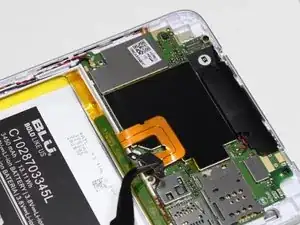
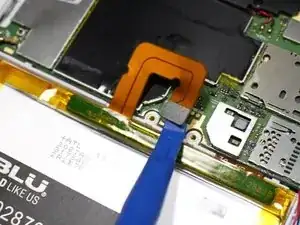
Disconnect the battery connector using a plastic opening tool or the flat end of a spudger.
-
Abschluss
To reassemble your device, follow these instructions in reverse order.