Einleitung
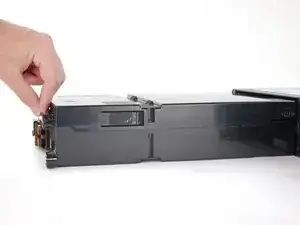
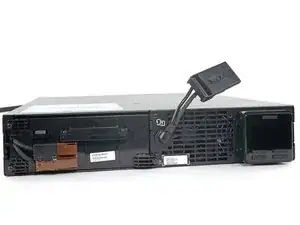
Prereq to removing the battery assembly or the individual battery cells.
Werkzeuge

-
-
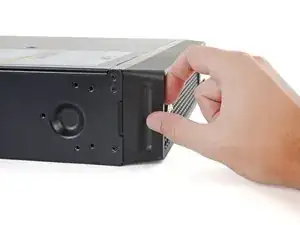
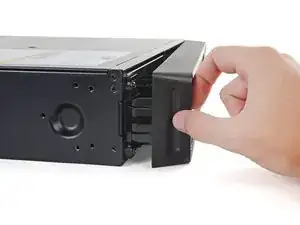
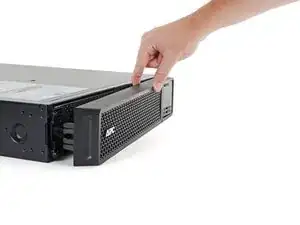
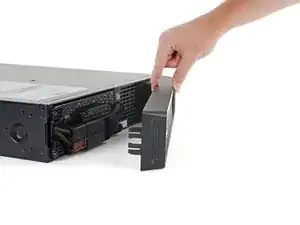
Continue pulling the left edge of the front bezel away from the device until the right clip releases.
-
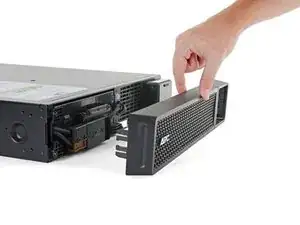
Remove the front bezel.
-
-
-
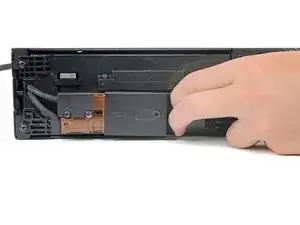
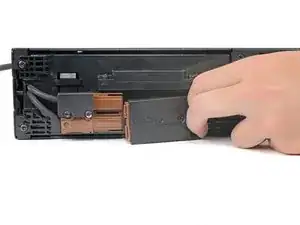
Use the cutout in the battery connector to pull it toward the right edge of the device and disconnect it.
-
-
-
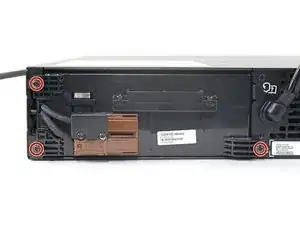
Use a Phillips driver to remove the three 23 mm‑long screws securing the battery assembly.
-
-
-
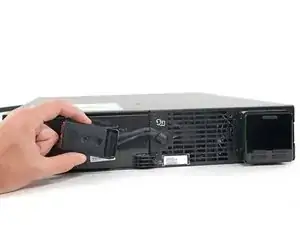
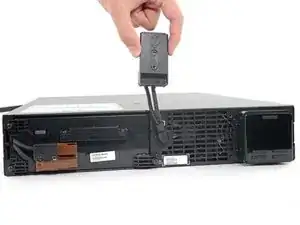
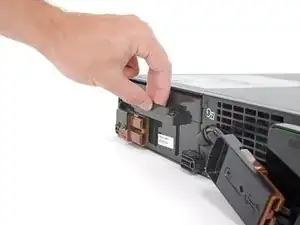
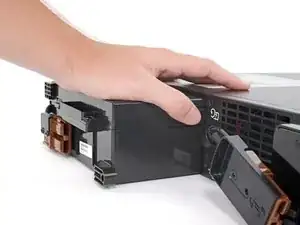
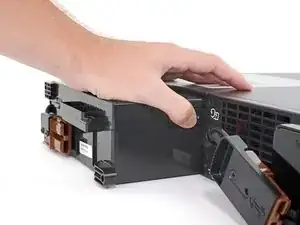
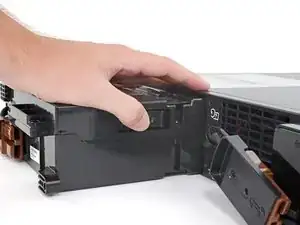
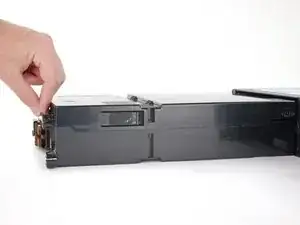
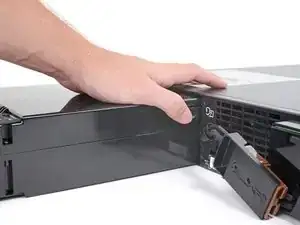
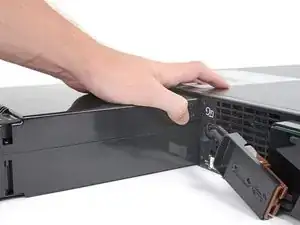
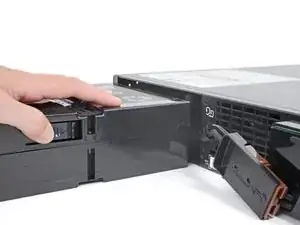
Continue pulling the battery assembly out of the housing until it stops at its second plastic tab.
-
-
-
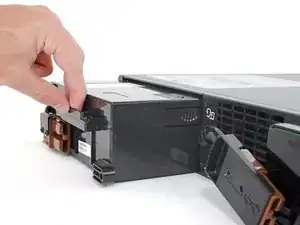
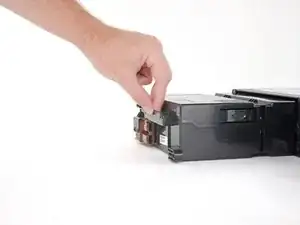
Depress the plastic tab while pulling on the battery assembly until it’s free from the housing.
-
Abschluss
To reassemble your device, follow these instructions in reverse order.
