Einleitung
Werkzeuge


Ersatzteile
-
-
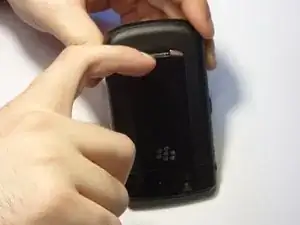
Turn the device upside down.
-
Using your finger, slide the silver cover release button towards the top of the device.
-
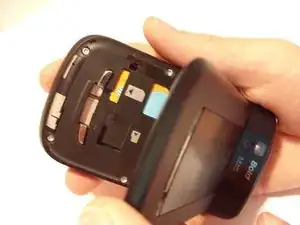
Lift and remove the back cover.
-
-
-
Orient the device so that the screen is facing the ground.
-
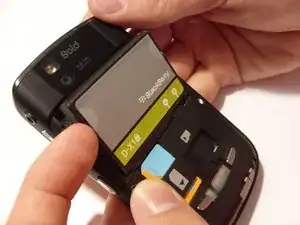
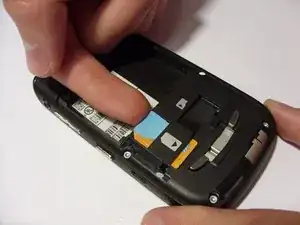
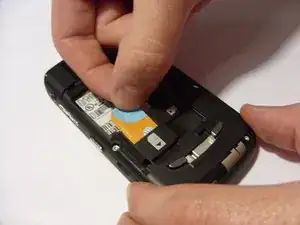
Using your finger, gently lift the top of the SIM card.
-
-
-
Orient the device so that the screen is facing you.
-
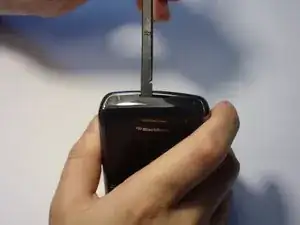
Using a spudger, remove the ear piece cover.
-
-
-
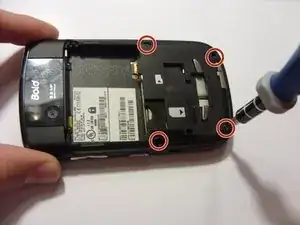
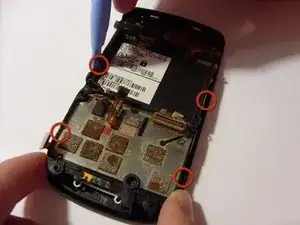
Using a pry tool, lift up on the four tabs located on the edges of the faceplate.
-
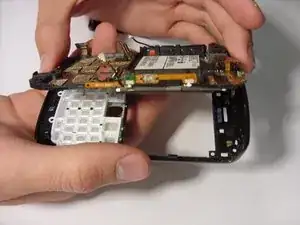
Remove the faceplate by lifting the plate upward.
-
-
-
Turn the phone so it is facing up.
-
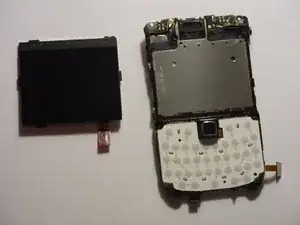
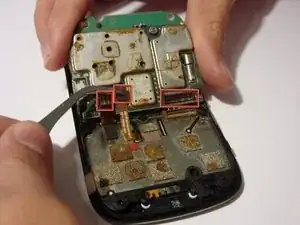
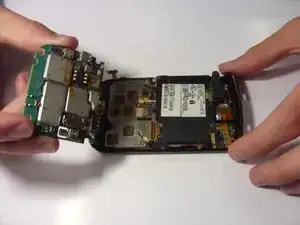
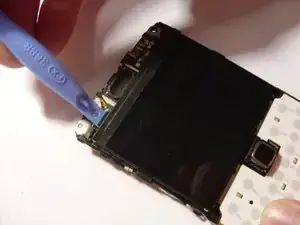
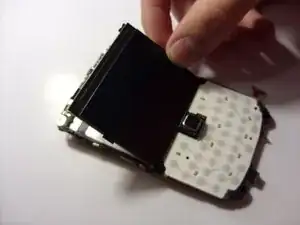
Use the plastic pry tool to gently pry out the screen.
-
Abschluss
To reassemble your device, follow these instructions in reverse order.
