Einleitung
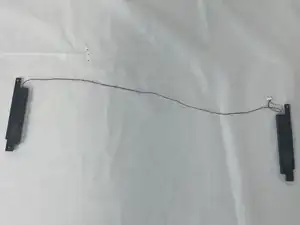
The CHUWI Gemibook XPro does not feature dynamic speakers as they may underperform if you are seeking audio quality in your business work. This easy-to-follow guide will help you for your speaker replacement or upgrade. This guide will require pointed tweezers and a Phillips 1 bit screwdriver.


-
-
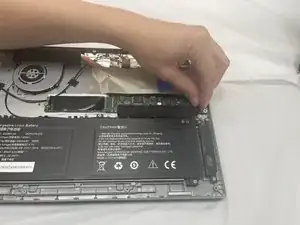
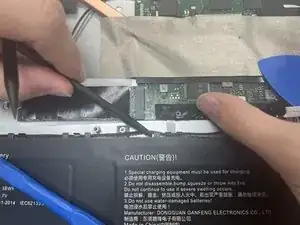
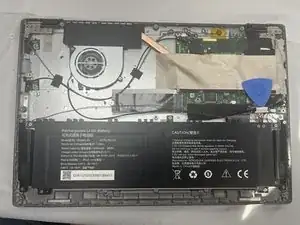
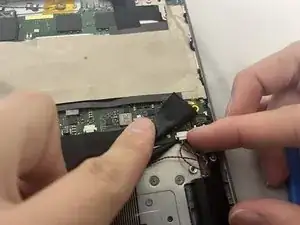
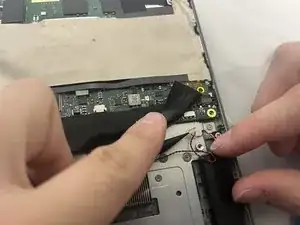
Use two opening tools or your fingernails to carefully "walk" the battery connector out of its socket.
-
-
-
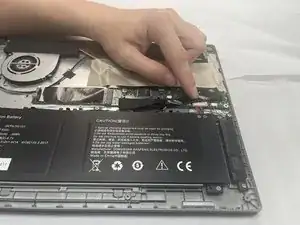
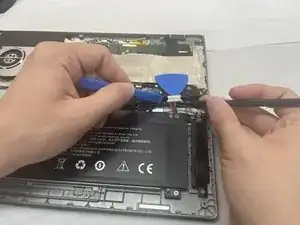
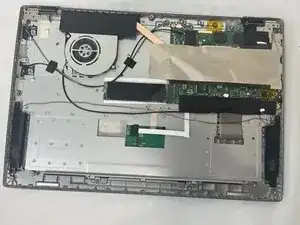
Unseat the speaker wires and antenna wire from their retaining hooks on the battery with a halberd spudger.
-
-
-
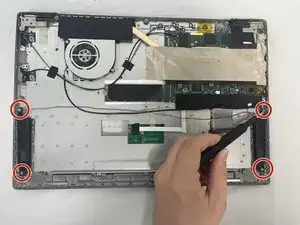
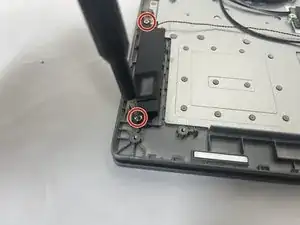
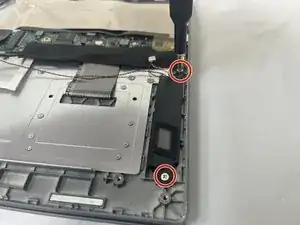
Use a Phillips #1 screwdriver to remove the four 4.2 mm screws that secure the speakers (two screws on each speaker).
-
-
-
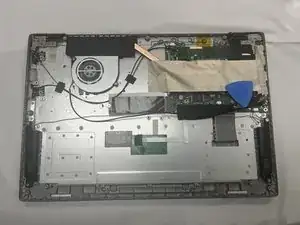
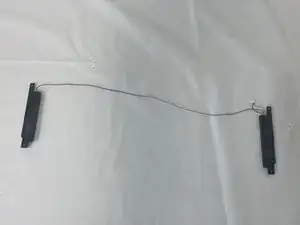
Gently pick up and remove both speakers. Be careful not to strain the wire connecting them.
-




To reassemble your device, follow these instructions in reverse order.
