Einleitung
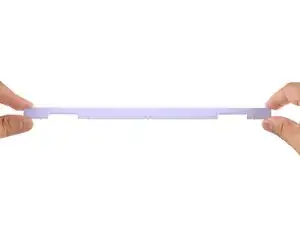
Follow this guide to remove and replace the Display Cover in your Framework Laptop 12.
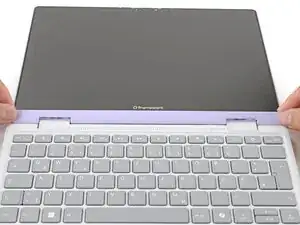
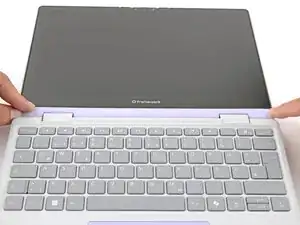
The Display Cover is the plastic bezel strip below the screen. You can easily replace a broken one or swap out a different colored one.
Werkzeuge

Ersatzteile

-
-
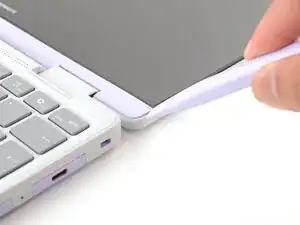
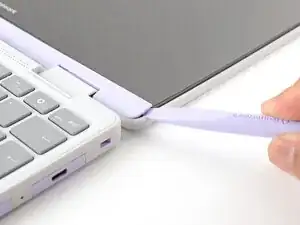
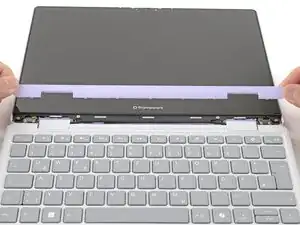
Use the flat end of your Framework Screwdriver to pry up the right edge of the Display Cover.
-
-
-
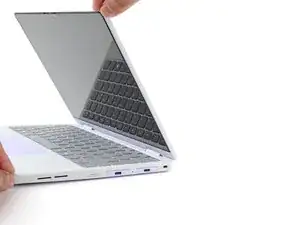
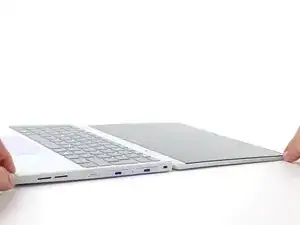
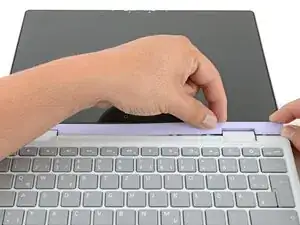
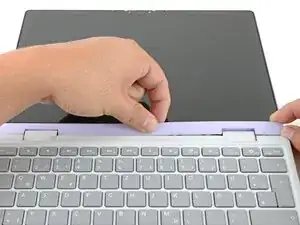
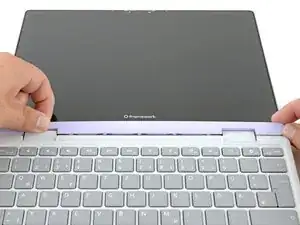
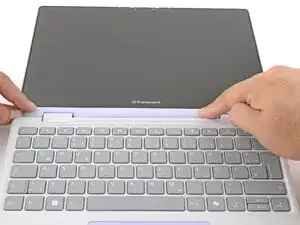
Use your finger to press along the length of the Display Cover to snap it onto the laptop.
-
Abschluss
You finished fixing your Framework Laptop!
If you need help, contact Framework support.