Einleitung
If you need to repair or replace the microphone, this is the guide you need!
Werkzeuge


-
-
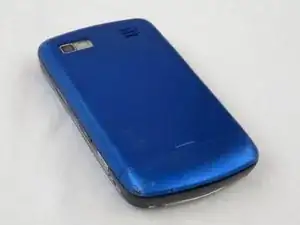
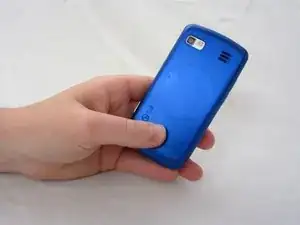
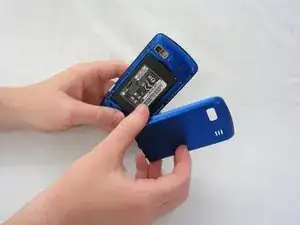
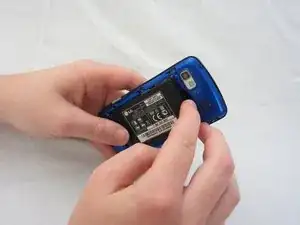
Use your thumb to press on the small ridge at the bottom of the phone, then push upward to slide off the back casing.
-
-
-
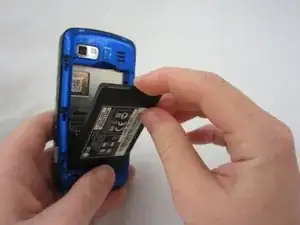
Use your index finger to pull the top of the battery out from the top center divot. Then pull the battery towards yourself to remove it from the compartment.
-
-
-
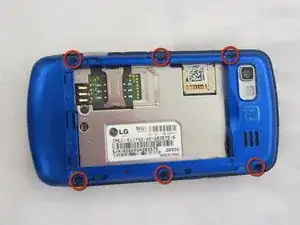
Use a Phillips #00 screwdriver to remove the six 2.4mm screws, which secure the back panel.
-
-
-
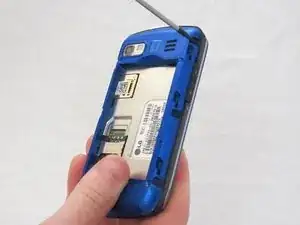
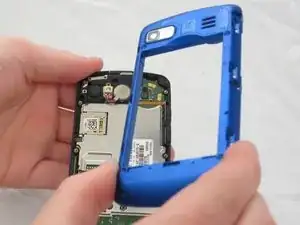
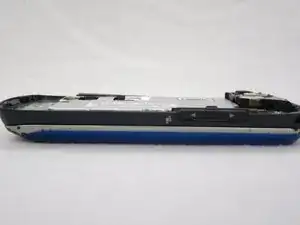
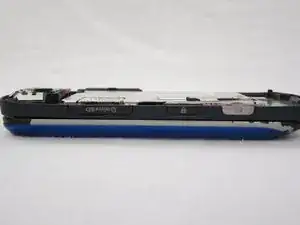
Push a spudger or small tool under the inner edge of the back panel and gently pry upward to separate it from the main body.
-
-
-
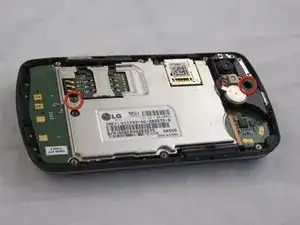
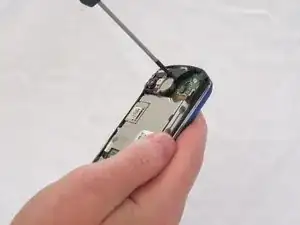
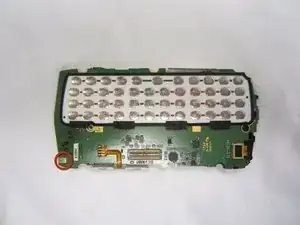
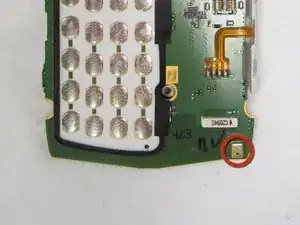
Use the Phillips #00 screwdriver to remove the two 3mm screws, which secure the motherboard.
-
-
-
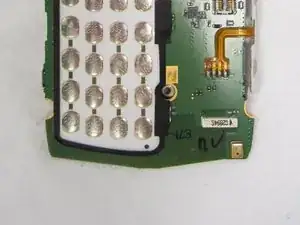
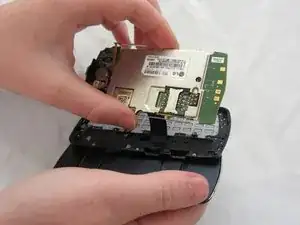
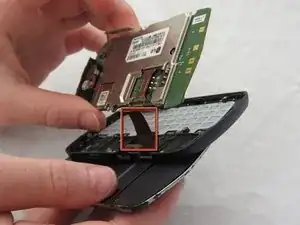
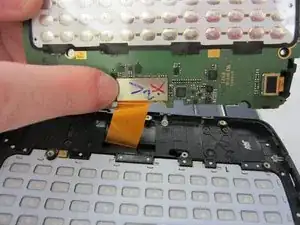
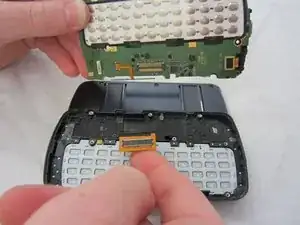
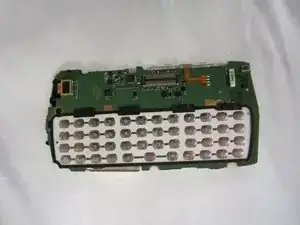
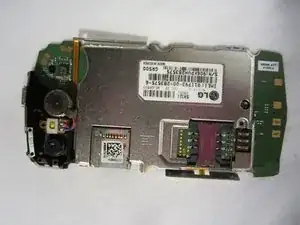
Once the connector cable is detached from the motherboard, you have successfully removed the motherboard from the phone.
-
To reassemble your device, follow these instructions in reverse order.