Einleitung
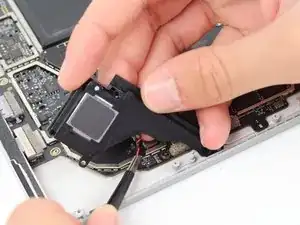
This guide will go over how to remove the right speaker on the Microsoft Surface Pro 5, also known as the Microsoft Surface Pro (2017). The iOpener is used in this guide, but a hair dryer or heat gun could also be used. See instructions for the iOpener here.


-
-
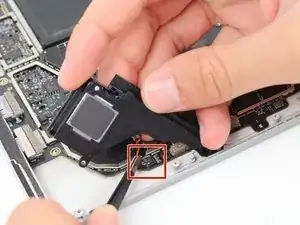
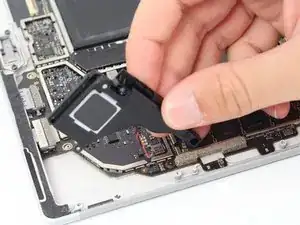
Lift up the right speaker being careful not to pull out the cable that is still connected.
-


Abschluss
To reassemble your device, follow these instructions in reverse order.