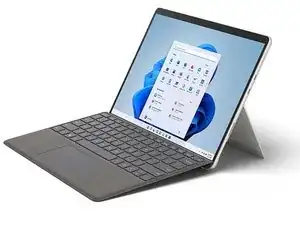
Einleitung
Dieses Video zeigt dir, wie du die SSD, den Kickstand, das Touch-Display-Modul (oder "Bildschirm"), das Thermomodul (oder "Kühlkörper") und die Surflink-Anschlussbaugruppe in deinem Microsoft Surface Port 8 ersetzt.
Bevor du mit dem Austausch des Displays beginnst, befolge die TDM-Voraussetzungsschritte von Microsoft.
Benutze bitte Microsofts offiziellen Service Guide als Schritt-für-Schritt Anleitung.
Kapitel
00:00 Einführung und vorbereitende Schritte
Demontage
00:55 rSSD
01:38 Aufsteller
02:20 Touch-Display-Modul
05:22 Thermomodul
06:18 Surflink
Wiederzusammenbau
06:42 Surflink
07:04 Thermomodul
07:58 Touch-Display-Modul
10:28 Aufsteller
11:29 rSSD
Werkzeuge


Entsorge deinen Elektromüll sachgerecht.
Hat die Reparatur nicht ganz geklappt? Versuche es mit ein paar grundständigen Lösungen, ansonsten findest du in unserem Forum Hilfe bei der Fehlersuche.

where to find the speaker mesh and adhesive?
J. K. -
How does one gain access to TDM Replacement Mode?
Or where can you find a download for software tools USB drive with SDT?
What are the consequences of replacing TDM without running TDM Replacement Mode?
S.J. -
Is there any adhesive and speaker mesh replacement?
The Microsoft store and The iFixit store don't have them.
Jorge Ramirez-Centeno -