Einleitung
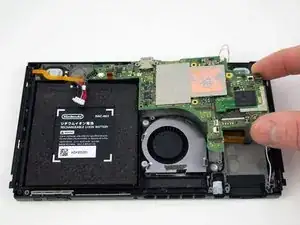
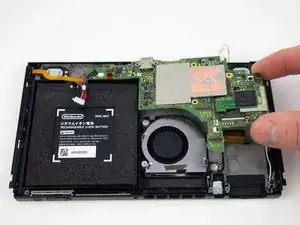
Follow this guide to replace the motherboard in a Nintendo Switch video game console.


-
-
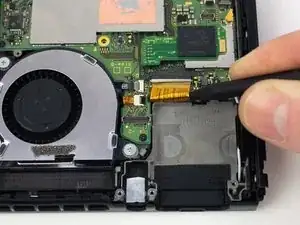
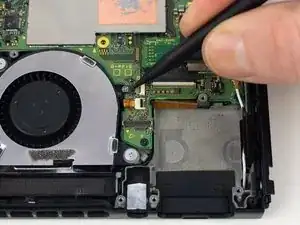
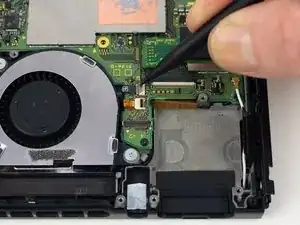
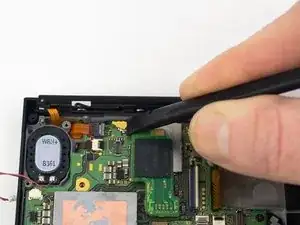
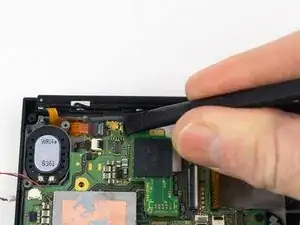
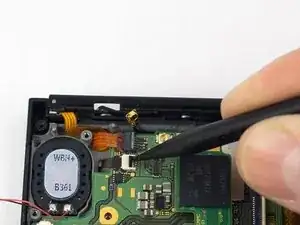
Use the pointed end of a spudger to slide the display ribbon cable out of the ZIF connector.
-
-
-
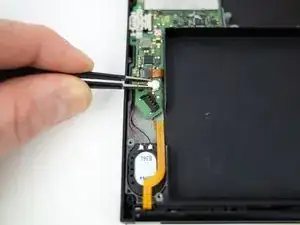
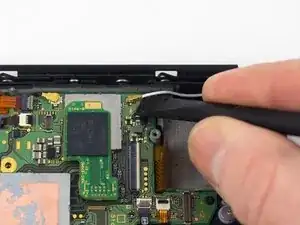
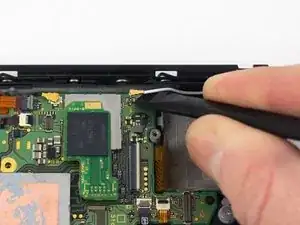
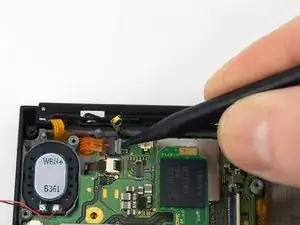
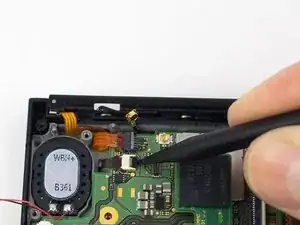
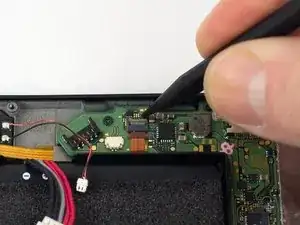
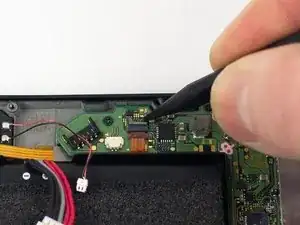
Use a spudger to flip up the small gray locking flap on the left Joy-Con rail ZIF connector.
-
-
-
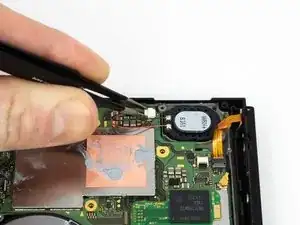
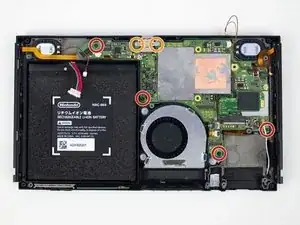
Remove the four 2.50 mm JIS #000 screws from the motherboard.
-
Remove the two 3.14 mm JIS #000 screws from the USB-C port.
-






Abschluss
To reassemble your device, follow these instructions in reverse order.