Einleitung

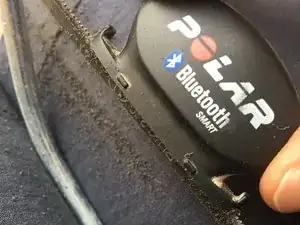
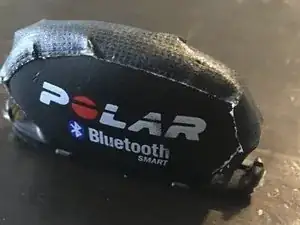
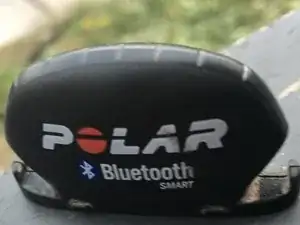
Polar is producing fine gear for athletes giving them the information about their training. Usually only delivered Polar software lacks of updates but with the cadence Sensor same as the speed sensor, Polar managed to make a simple battery change a mess. I’ll show you how to successfully change the battery of the POLAR CADENCE SENSOR BLUETOOTH® SMART.

  1. UHIlWqfv2KnKbM4T
    • Removed Cadence Senosor from frame

  2. MHqHjHtJOIYEj1BH
    MHqHjHtJOIYEj1BH
    DV6DhEST1erusBRW
    a23KXdRUKA2qhLXE
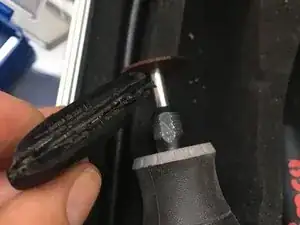
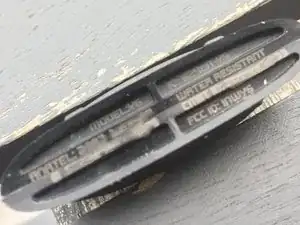
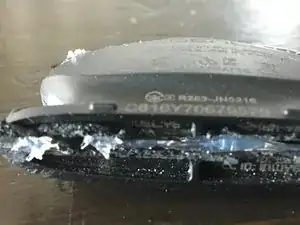
    • Either use hacksaw or Dremel to cut open downside of the sensor. Use the carve of the body for guidance.

  3. F3K1Hk5FnPJd1inS
    F3K1Hk5FnPJd1inS
    GlHQl5fIb1VlghFa
    qQyDvV3RnS2EU1rg
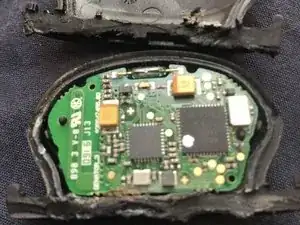
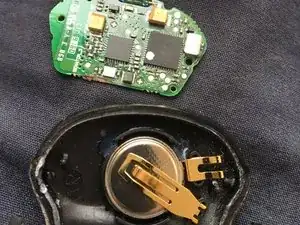
    • After cutting the downside, sensor can easily be opened. Remove circuit board with care not to break the pin. Remove copper clamp with tweezers.

  4. QAKcmrwakXPKfIaE
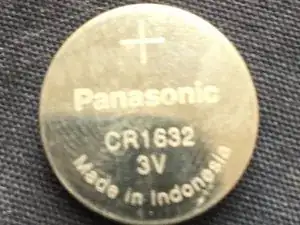
    • Replace battery

  5. Move magnet close to diode. Flashing indicates successful replacement
    • Move magnet close to diode. Flashing indicates successful replacement

  6. SieUWOPIN2dyJMCq
    SieUWOPIN2dyJMCq
    POddbClI1VKVwKaa
    • Glue it up (maybe nicer than I did)

  7. Second functional test with glued chasis
    • Second functional test with glued chasis

Abschluss

Arbeite die Schritte in umgekehrter Reihenfolge ab, um dein Gerät wieder zusammenzubauen.

Sebastian Stechl

Mitglied seit: 20/04/14

195 Reputation

0 Kommentare