Einleitung
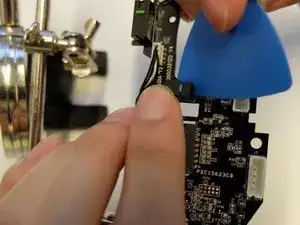
Die mittlere Maustaste am Scrollrad wird wenig benutzt. Wenn sie aber aus irgendeinem Grund nicht mehr richtig reagiert, muss der Subminiatur-Mikroschalter am Scrollrad der Razer Naga Trinity Maus vielleicht doch ausgetauscht werden. Diese Anleitung zeigt alle Schritte für diese Reparatur.


-
-
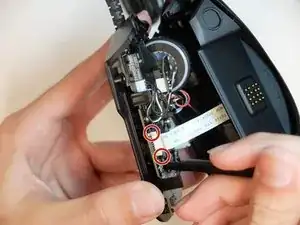
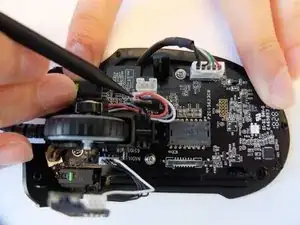
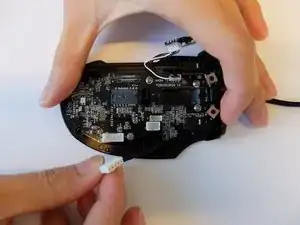
Entriegle die Clips am Stecker des Flachbandkabels auf der Hauptplatine mit einem Spudger.
-
-
-
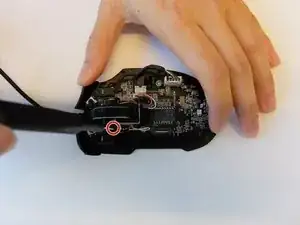
Entferne die einzelne schwarze 4 mm lange Kreuzschlitzschraube #000, welche die Platine für die Steuerung der Scrollrad-LED befestigt.
-
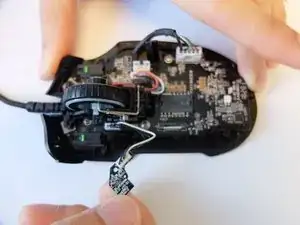
Ziehe die Platine nach oben heraus.
-
-
-
Heble die Rückmeldeleiste des Scrollrads mit dem Haken eines Hellebardenspudgers aus ihren Halteclips heraus.
-
-
-
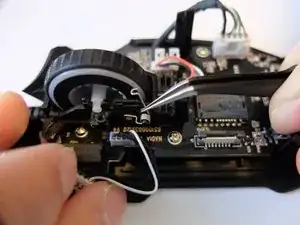
Halte die Feder an der Rückmeldeleiste des Scrollrads mit einer gewinkelten Pinzette nach unten gedrückt und entferne die Leiste vom Scrollrad.
-
-
-
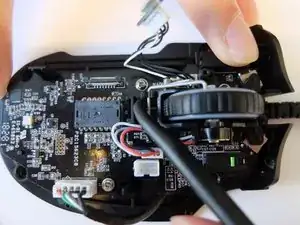
Hebe den Stecker am dreiadrigen Kabel des optischen Encoders für das Scrollrad wackelnd hoch und trenne ihn ab.
-
-
-
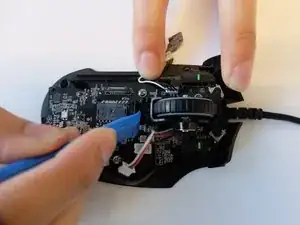
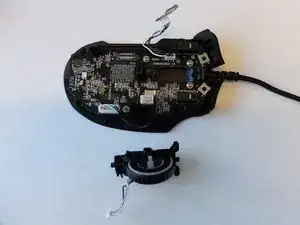
Heble die schwarze Halterung für das Scrollrad mit einem Öffnungswerkzeug nach hinten, bis die Halterung herauskommt.
-
-
-
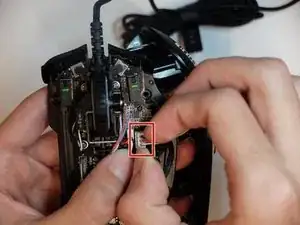
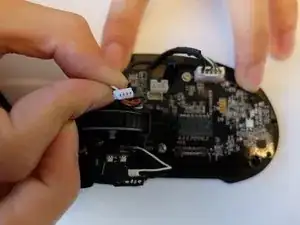
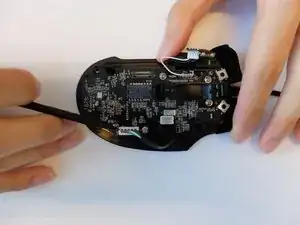
Trenne den fünfpoligen Stecker am Kabel zum USB-A-Anschluss mit einem Spudger von der Hauptplatine ab
-
-
-
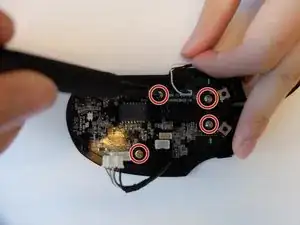
Entferne die vier 3 mm langen JIS-Schrauben #1, mit denen die Hauptplatine befestigt ist.
-
-
-
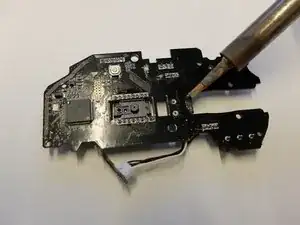
Erhitze die Lötstellen, mit denen der Mikroschalter befestigt ist, mit einem Lötkolben.
-
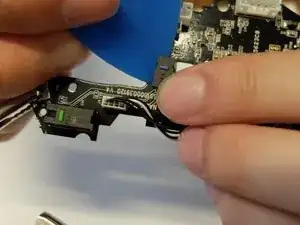
Arbeite dich entlang der Lötstellen und heble gleichzeitig den Schalter ab.
-
-
-
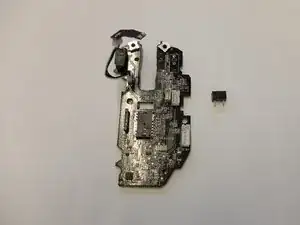
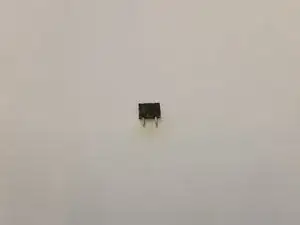
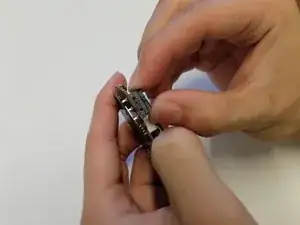
Entferne den alten Subminiatur-Mikroschalter und ersetze ihn.
-
Wackle am Mikroschalter und prüfe, ob er gut festsitzt.
-
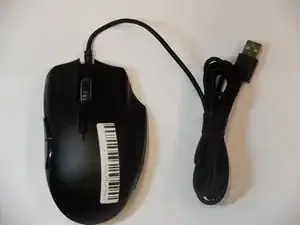
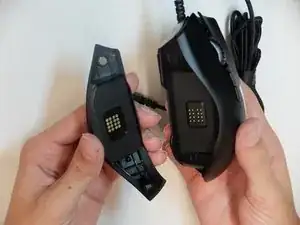
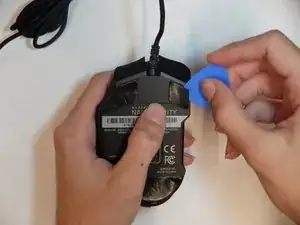
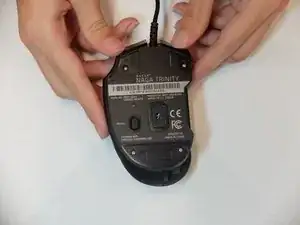
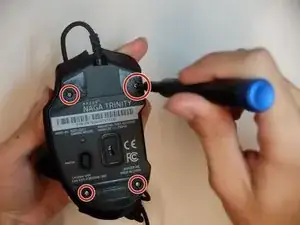
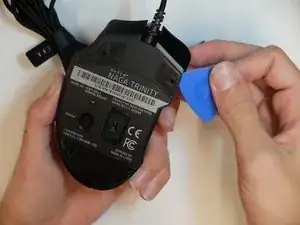
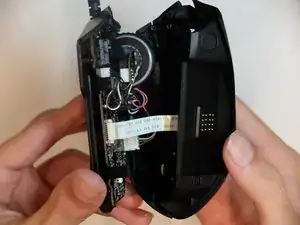
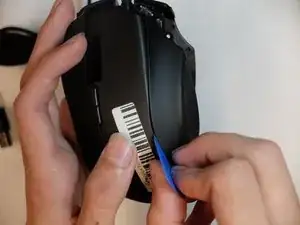
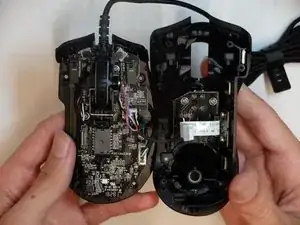
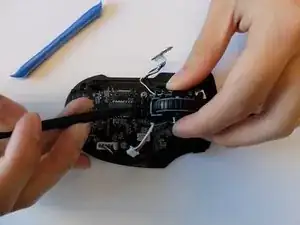
Um dein Gerät wieder zusammenzubauen, folge den Schritten in umgekehrter Reihenfolge.

4 Kommentare
I had real difficulty sourcing the part for this, I don’t think this is actually an Omron switch for the middle mouse button. The part I pulled from the Razer mouse is actually branded ‘TTC’. I ended up sourcing them from Aliexpress:
I'm trying to fix a Razer Naga Pro where the middle mouse button is double registering clicks and I stumbled across this guide. The switch appears to be very similar so I was hoping to be able to order a replacement based on the guide but I can't find anything from searching 'OMRON D2 Subminiature Micro Switch', and the switches that Andy Smith linked aren't right (I ordered some and they're too thin) so I'm somewhat out of ideas. This would be less of an issue if Razer even offered out-of-warranty repairs, but they consider peripherals to be 'irreparable'.
I think I managed to find them! If anyone else is looking for information on these switches, they appear to be the TTC switches here: http://www.ttcswitch.cn/product/72.html specifically the 5.6mm variant. I have ordered some from a website called Mouse Club and will update when they arrive.
As mentioned by the other comments, the correct replacement switch is the linked TTC switch, specifically the 5.6mm high variant. However, I didn't manage to find a viable seller for this type of switch.
In the end I purchased the 3.5mm variant (as linked by Andy Smith; it's available from different brands, I chose this one from HUANO). Of course this switch is about 2mm too short, so I made a little spacer from a 2mm plastic sheet (should also work with 3 layers of old credit card pieces), drilled two holes for the leads and installed the switch. The leads are just barely long enough to stick through the board with the spacer so they can be soldered in place. (photo)
Now my mouse works perfectly again, but I'm still baffled that I couldn't find the 5.6mm switch on Aliexpress.
Michael -