Einleitung
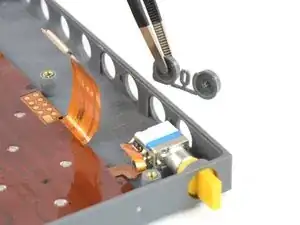
Use this guide to replace the function key plastic buttons of your OP-Z.
The actual button flex cable is a separate guide/part. Please disassemble and check your device before purchasing any parts.


Ersatzteile

-
-
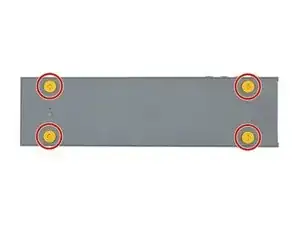
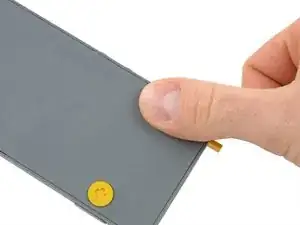
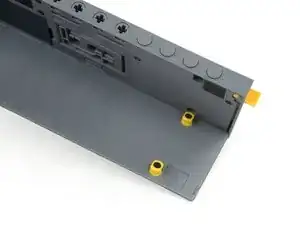
Unlock the four rubber feet by turning them 90° counterclockwise using your thumb or finger tip.
-
-
-
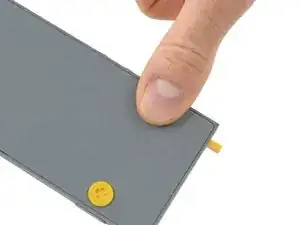
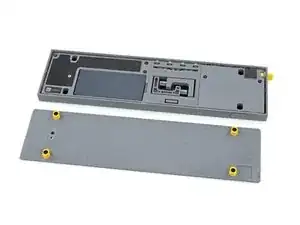
When turning the OP-Z over again the bottom plate should come off by itself (thanks gravity).
-
-
-
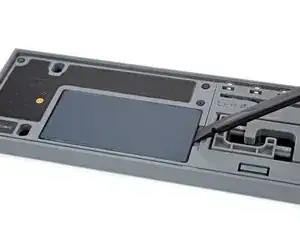
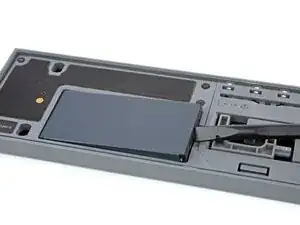
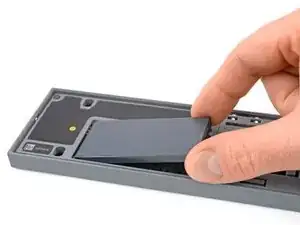
Use your fingernail or a spudger to lift the battery on the right side where the notch is.
-
-
-
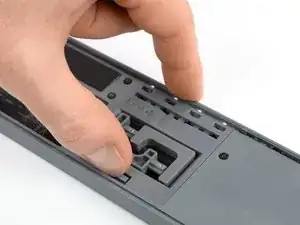
Use your finger or a spudger to push up on the small tab on the bottom of the module.
-
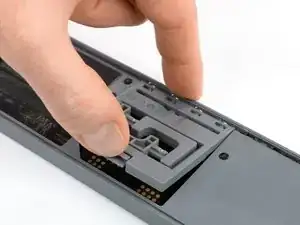
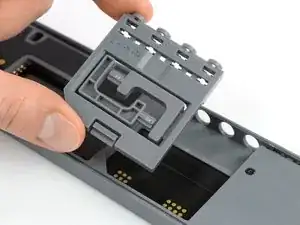
Lift the module up and out of its recess bottom first.
-
-
-
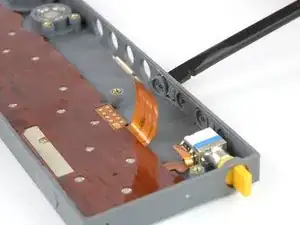
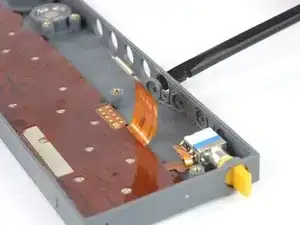
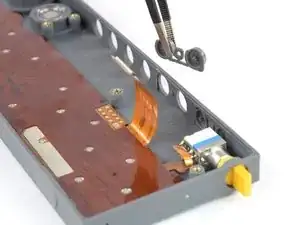
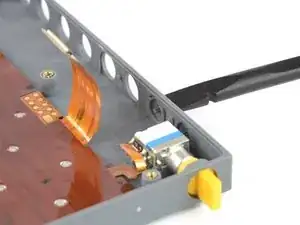
Use the flat end of a spudger to disconnect the flex cable from the front panel assembly.
-


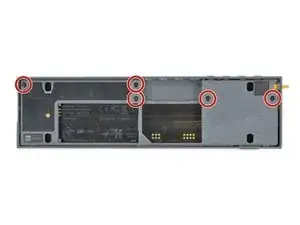
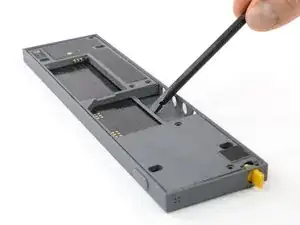
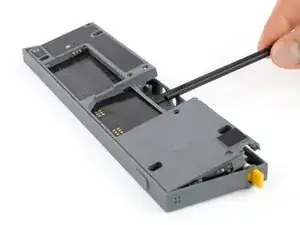
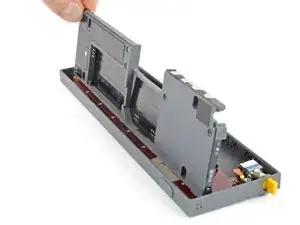
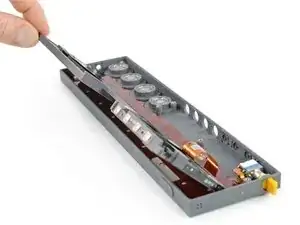
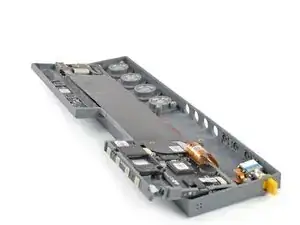
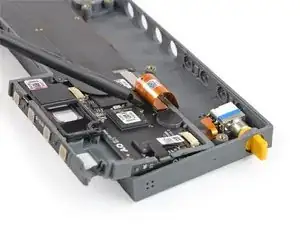
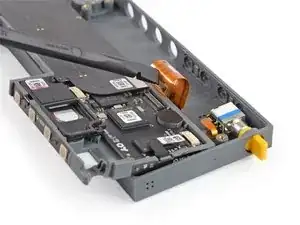
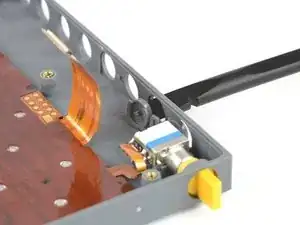
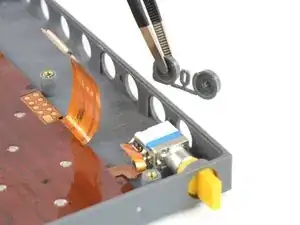
To reassemble your device, follow these instructions in reverse order.

Ein Kommentar
Torx t4 screwdriver doesn’t work! Seems too big. Wasting too much money so far to fix something that shouldn’t have worn to breaking point so quickly. Gutted.
Sam Lsn -