Einleitung
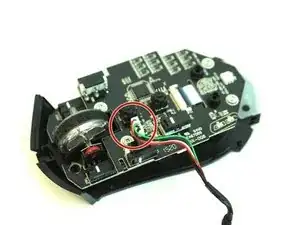
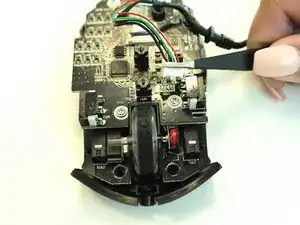
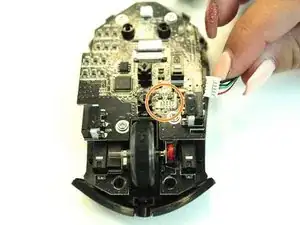
If by troubleshooting you have determined that your USB cord is defective, you will need to replace it. This guide will demonstrate how to replace a faulty USB cord.
Werkzeuge

Ersatzteile

-
-
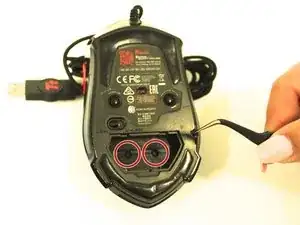
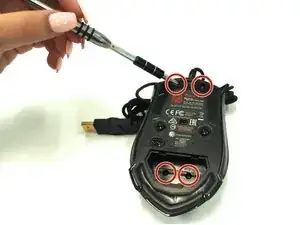
Remove the four 1.0 mm screws with a Ph #1 screwdriver.
-
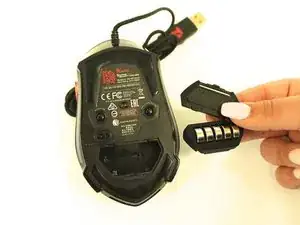
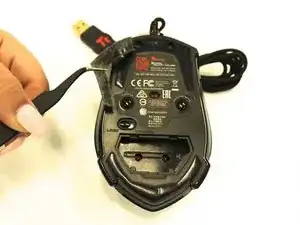
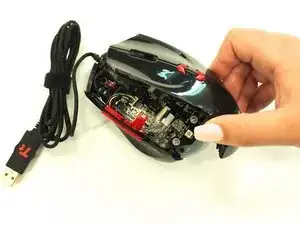
Gently remove the top of the mouse.
-
Abschluss
To reassemble your device, follow these instructions in reverse order.