
Einleitung
Wie man den Speicher deiner Berechnungen eines TI-84 Plus CE zurücksetzt. ACHTUNG! SETZT ALLE EINSTELLUNGEN AUF DIE WERKSEINSTELLUNGEN ZURÜCK!
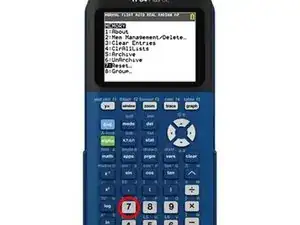
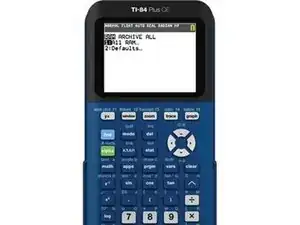
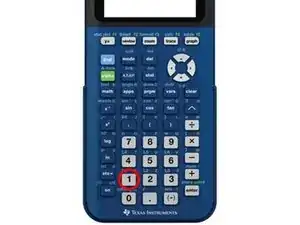
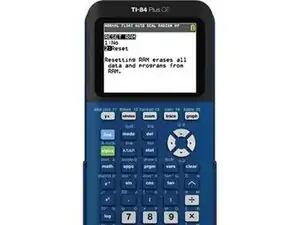
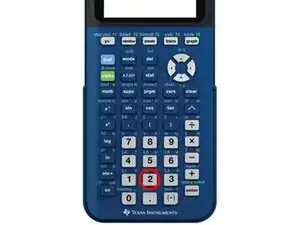
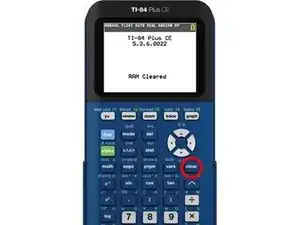
Es ist sehr einfach sobald man den Dreh raus hat. Merke dir einfach den Ablauf "2nd, Plus, 7, 1, 2".

3 Kommentare
Will it remove my newly installed apps and games such as Super Mario or Pac-Man?
please answer with dereklytle@student.godleyisd.net
Hi Derek,
Yes. The calculator will be restored to factory settings. It will be as if you just purchased the calculator.
having students clear the ram before a test has been my practice before a test/quiz...but on the TI 84CE if it is low battery and the students try to reset it it just gives a warning of battery too low. Students still have enough 'juice' to use it but I don't ever see the magical words "ram cleared"...do the TI 84CE calculators still clear the ram if it has a very low battery?