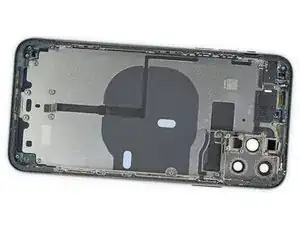
Einleitung
Verwende diese Anleitung, um alle Komponenten aus dem Rückgehäuse deines iPhone 11 Pro zu entfernen. Diese Anleitung zeigt, wie du den Lautsprecher, die Kabel, die Taptic Engine, den Akku, das Logic Board und die Tastenabdeckungen entfernst, damit du eine verbeulte oder verbogene Abdeckung ersetzen kannst.


-
-
Schalte dein iPhone vor der Reparatur aus.
-
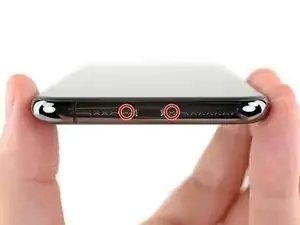
Entferne die beiden 6,7 mm Pentalobe-Schrauben an der Unterkante des iPhones.
-
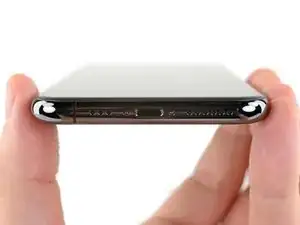
Um dein Gerät wieder zusammenzubauen, folge diesen Anweisungen in umgekehrter Reihenfolge.
3 Kommentare
how much for housing iphone 11 pro ? Thank you
daddy -
If yo buy it from indonesia it only cost you arround $100-$200
I ordered a new charging port but it doesn’t seem to include a speaker element on the left side, and the charging connector module above the port. Can those be moved over from the old charging port?
lemonlev -
I am having difficulty accessing the disassembly steps to remove all of the components from the rear case. This web site stops at step 1. I am not sure how to access the rest of the steps. Can you help. Domingo Rochin
Mingo59 -